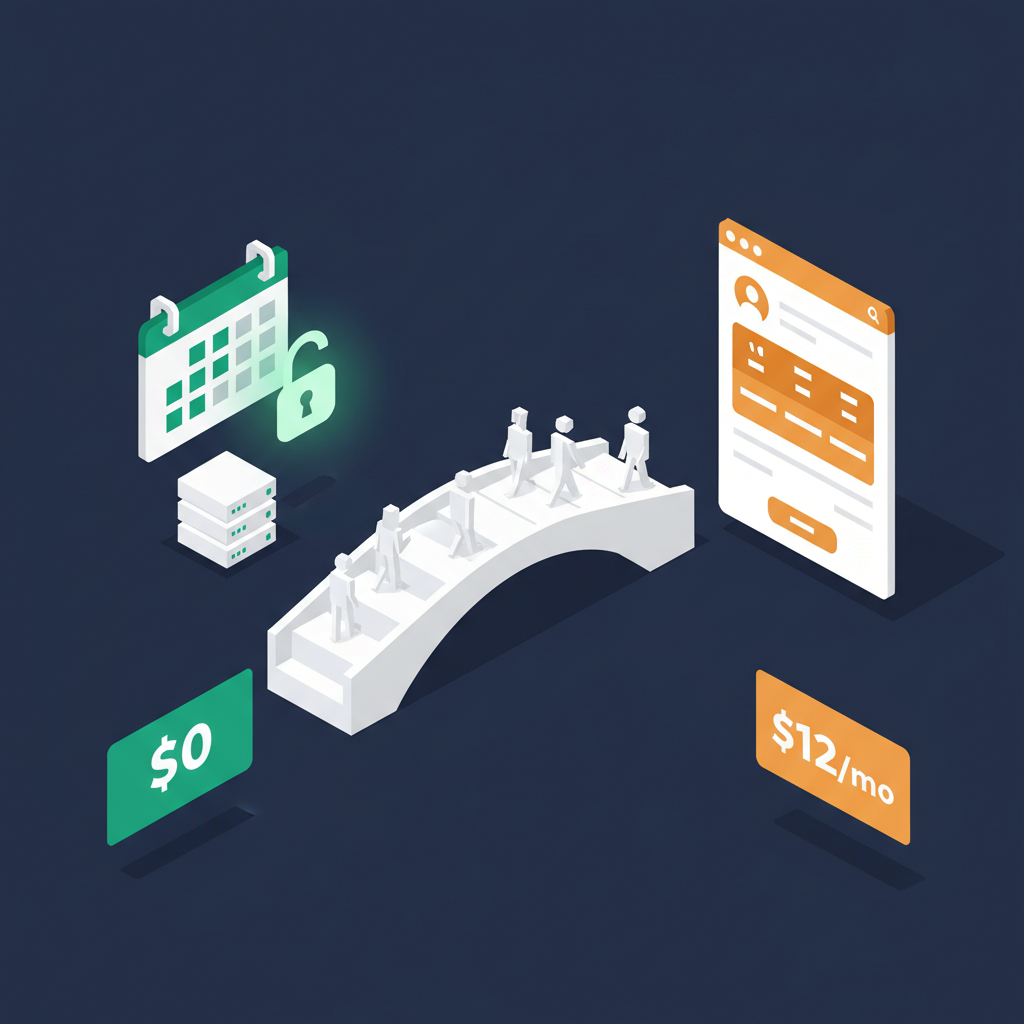
Cal.com wins on price and flexibility: free cloud tier with unlimited event types, self-hosting option for $0 forever, and full API access. Calendly wins on polish and brand recognition: smoother booking UX, mo
One costs $0 forever. The other charges $12 per seat per month. Both let you share a booking link and stop the back-and-forth emails about meeting times. The question is whether Calendly's polish justifies paying $144-3,600+ per year when Cal.com does the same job for free.
The 60-Second Verdict
Choose Cal.com if you want free scheduling that scales without per-seat pricing. Choose Calendly if your workflow depends on Salesforce/HubSpot native integrations or your clients specifically expect the Calendly booking experience. For solopreneurs and small teams, Cal.com is the obvious financial win.
Quick Comparison: Cal.com vs Calendly
| Feature | Cal.com | Calendly | Winner |
|---|---|---|---|
| Free Tier | Unlimited events, 1 calendar | 1 event type only | Cal.com |
| Starting Price | $0 (self-host) / $12/mo (cloud team) | $12/seat/month | Cal.com |
| Open Source | Yes (AGPL-3.0) | No | Cal.com |
| Self-Hosting | Yes (Docker) | No | Cal.com |
| Booking Page UX | Functional, customizable | Polished, familiar | Calendly |
| Native Integrations | 20+ | 100+ | Calendly |
| API Access | Full REST API (free) | API on paid plans only | Cal.com |
| Data Ownership | 100% (self-hosted) | Calendly servers | Cal.com |
Pricing: Free Forever vs $12/Seat/Month
Calendly's pricing is straightforward: free for one event type, then $12/seat/month (Standard) or $20/seat/month (Teams). Cal.com flips this model. The free cloud tier includes unlimited event types. Self-hosting removes all limits for $0. The paid cloud plans ($12-25/user/month) add team features.
Annual Cost by Team Size
| Team Size | Cal.com (Self-Hosted) | Cal.com (Cloud Team) | Calendly Standard | Annual Savings vs Calendly |
|---|---|---|---|---|
| 1 person | $0 | $0 (free tier) | $0 (1 event) / $144/yr | Up to $144 |
| 3 people | $0 | $432/yr | $432/yr | $0-432 |
| 5 people | $0 | $720/yr | $720/yr | $0-720 |
| 10 people | $0 | $1,440/yr | $1,440/yr | $0-1,440 |
| 25 people | $0 | $3,600/yr | $3,600/yr | $0-3,600 |
The pattern: if you self-host Cal.com, you save the entire Calendly bill. Even on Cal.com's cloud plans, pricing matches Calendly per-seat but includes features Calendly locks behind higher tiers (API access, custom webhooks).
Self-hosting ROI: A $5/month VPS replaces $12-25/seat/month per user. At 5 users, that's $60/year vs $720-1,500/year on Calendly. Break-even in month one. Self-hosting Cal.com on a $5/month Hetzner or DigitalOcean VPS handles teams under 50 people. That's $60/year total vs $7,200+/year on Calendly Teams. The savings fund themselves instantly.
Self-Hosting: The $0 Option Calendly Can't Match
This is Cal.com's killer feature. Because it's open source (AGPL-3.0), you can run the entire platform on your own server. Every feature. Unlimited users. Zero monthly fees beyond your hosting cost.
Self-Hosting: What You Get vs What You Need
| Aspect | Details |
|---|---|
| License | AGPL-3.0 (fully open source) |
| Setup | Docker Compose — one command to start |
| Server Requirements | 2GB RAM, 1 CPU (any $5-10/mo VPS) |
| Features Included | All features, no paywalls |
| Updates | Git pull + Docker rebuild |
| Your Responsibility | Uptime, backups, SSL certificate |
| Data Location | Wherever you host (EU, US, your office) |
For GDPR-conscious European companies, self-hosting means your scheduling data never leaves your infrastructure. No third-party processing agreements needed. No dependency on a US company's data handling policies.
Self-hosting is not for everyone. If Docker, DNS, and SSL certificates sound unfamiliar, stick with Cal.com's free cloud tier. You still get unlimited event types at $0.
Booking Page UX: Polish vs Freedom
Calendly's booking page is the gold standard. Clean, fast, and instantly recognizable. Millions of people have booked through Calendly, so the interface needs zero explanation. Cal.com's booking page is functional and customizable but lacks that same level of polish. The difference is subtle: Calendly feels like a finished product, Cal.com feels like a powerful tool.
Booking Experience Comparison
| Element | Cal.com | Calendly |
|---|---|---|
| Page Load Speed | Fast | Slightly faster |
| Brand Recognition | Growing | Industry standard |
| Custom Branding | Full (colors, logo, CSS) | Limited (logo, colors) |
| Embed Options | Inline, popup, floating button | Inline, popup, widget |
| Mobile Experience | Good | Excellent |
| Custom Questions | Yes (all plans) | Yes (paid plans) |
If you're a consultant booking calls with Fortune 500 prospects, Calendly's polish matters. If you're a SaaS company embedding scheduling into your product, Cal.com's customization and API win. For everyone in between, both work fine.
Team Scheduling Features
Both platforms handle the core team scheduling use cases: round-robin assignment, collective meetings (everyone must be available), and managed event types where admins control the booking rules.
Team Feature Comparison
| Feature | Cal.com | Calendly |
|---|---|---|
| Round-Robin | Team plan ($12/user/mo) or self-hosted (free) | Teams plan ($20/seat/mo) |
| Collective Scheduling | Yes | Yes |
| Managed Events | Yes | Yes (Teams plan) |
| Admin Controls | Full | Full (Teams plan) |
| Booking Limits | Configurable per event | Configurable per event |
| Buffer Times | Yes | Yes |
| Minimum Notice | Yes | Yes |
The key difference: Calendly locks round-robin behind the $20/seat Teams plan. Cal.com includes it at $12/user on cloud, or free if self-hosted. For a 10-person team needing round-robin, that's $1,440/year (Cal.com cloud) vs $2,400/year (Calendly Teams).
Integrations & API
Calendly's integration library is larger: Salesforce, HubSpot, Marketo, Pardot, Google Analytics, and 100+ more via native connectors. Cal.com covers the essentials natively (Google Calendar, Outlook, Zoom, Meet, Stripe, Zapier, Make) and provides a full REST API for anything custom.
Integration Comparison
| Category | Cal.com | Calendly |
|---|---|---|
| Google Calendar/Outlook | Yes | Yes |
| Zoom/Google Meet/Teams | Yes | Yes |
| Stripe Payments | Native | Native |
| Salesforce | Via Zapier/API | Native |
| HubSpot | Via Zapier/API | Native |
| Zapier/Make | Yes | Yes |
| API Access | Full (free tier) | Paid plans only |
| Webhooks | Yes (all plans) | Professional+ only |
If your sales workflow depends on Salesforce or HubSpot native sync without middleware, Calendly has the edge. For teams using Make or Zapier to connect tools, Cal.com's free API and webhooks make it equally capable at a fraction of the cost.
What Real Users Say
Calendly holds a 4.7/5 on G2 from 2,100+ reviews. Cal.com scores 4.4/5 from 400+ reviews. Calendly's higher score reflects its longer market presence and polished UX. Cal.com's reviews consistently praise the value and openness.
- Free tier is genuinely usable, not a teaser
- Self-hosting gives full control over data and costs
- API-first design makes embedding into products easy
- No per-seat pricing pressure as teams grow
- Active open-source community with fast development
- Best booking page UX in the market
- Invitees already know the interface
- Deep Salesforce and HubSpot integrations
- Extremely reliable uptime
- Routing forms for qualifying leads before booking
Calendly's free plan is limited to one active event type — not one booking, one event type. Most professionals need at least 3 (discovery call, follow-up, demo). That forces a paid plan quickly. Cal.com's free tier has no event type limit.
When to Choose Which

Cal.com ($0 self-hosted / $0-25/mo cloud)
Best for cost-conscious teams, developers, privacy-focused companies, and anyone tired of per-seat pricing. Free self-hosting with all features. Full API access on every plan. No vendor lock-in.
We may earn a commission through this link.

Calendly ($0-20/seat/month)
Best for sales teams needing Salesforce/HubSpot integration, consultants who want the most polished booking experience, and organizations where brand familiarity matters.
The Bottom Line
Calendly built a beautiful scheduling tool and charges accordingly. Cal.com built an equally capable one and gave it away. For teams already paying $144-3,600+/year on Calendly, switching to Cal.com (cloud or self-hosted) saves that entire amount with minimal feature trade-offs. The only real Calendly advantage is CRM integration depth and invitee familiarity — and for most teams, those aren't worth $12-20/seat/month.
Calculate your exact scheduling automation ROI with our scheduling ROI calculator. For more tool comparisons, see Make vs Zapier or explore our full AI tools directory.
Daniel P. is the founder of TaskROI. He builds the calculators and cost models behind every article — based on vendor list pricing and industry research by McKinsey, Harvard Business Review, and the Federal Reserve.